

Key Takeaways (TL;DR)
The Best Overall Lead Routing Software: For most growing teams, native workflows inside HubSpot or Salesforce are the right place to start, since round robin and field-based logic are already built in. Once the volume or routing logic outgrows that, Chili Piper is the strongest dedicated pick for qualifying leads and booking meetings in one motion.
Why Do You Need It?: Manual lead assignment slows down response time and leaves reps working accounts based on gut feel instead of data. Lead routing software fixes that by sending each lead, contact, or account to the right rep automatically.
Who It's For?: Founders and RevOps leaders at early-stage startups building their first routing logic, sales teams outgrowing CRM-native workflows, and enterprise teams running complex territory or account-matching rules.
How to Choose the Right One?: Check whether your CRM's native workflows already cover your routing logic, confirm the tool supports the fields and objects you route on, and plan for how easily you can update routing as your team changes.
Expected Price: Pricing for lead routing software ranges from around $12 to $20 per user per month for lighter tools, up to $1,250 or more per month for dedicated platforms with qualification and scheduling built in.
Table of Contents
What Is Lead Routing Software (And What It Actually Does)?
Why Do Teams Need Lead Routing Software?
Who Needs Lead Routing Software?
Best Lead Routing Software in 2026: In-Depth Review and Comparison
How to Choose the Best Lead Routing Software (What To Consider)?
Everything You Need to Know About Lead Routing Software
Get Help From The GTM Engineering Company
FAQs About Lead Routing Software
Top Lead Routing Software in 2026 at a Glance
Tool | Best For | Key Features | Pricing |
Chili Piper | Teams that need qualification before a meeting gets booked | Form-based qualification, round robin routing, meeting scheduling | From $1,250/month |
LeanData | Salesforce-native teams matching leads to accounts | Lead-to-account matching, territory rules, routing capacity limits | Custom, per user license |
HubSpot | Early-stage teams starting with CRM-native routing | Workflow-based round robin, picklist-driven logic, free tier | From $0/month |
Salesforce | Enterprise teams already standardized on Sales Cloud | Native lead assignment rules, queues, Agentforce routing | From $25/user/month |
RevenueHero | Inbound teams that want routing and scheduling together | Round robin routing, meeting booking, inbound and outbound plans | From $99/month plus per user |
Default | Teams wanting routing bundled with enrichment credits | Routing, scheduling, 20,000 annual enrichment credits | From $500/month |
Kubaru | Budget-conscious teams that just need routing | Flat per-user pricing, all routing features included | $20/user/month |
Qualified | Enterprise teams running an AI SDR alongside routing | Conversation routing, meeting routing, account segmentation | Custom pricing |
Cal.com | Teams that want open-source scheduling with routing | Round robin scheduling, team routing, API access | Free tier available |
Cognism | Teams that need routing paired with prospecting data | Lead distribution, contact data, enrichment credits | From $14,000/year |
What Is Lead Routing Software (And What It Actually Does)?
Lead routing software automatically sends a new lead, contact, or account to the right person on a sales team, based on the rules set up in advance. Those rules might be as simple as round robin lead routing, where leads rotate evenly across reps, or as specific as territory, deal size, or job title.
The category often overlaps with lead distribution and lead assignment software, since all 3 describe the same job, i.e., getting a lead in front of the right rep, fast.
Some tools live natively inside a CRM like HubSpot or Salesforce, while others are standalone lead distribution platforms built specifically for routing, scheduling, and qualification.
To sum it up, the right choice depends less on features and more on how complex your routing logic needs to be.
Why Do Teams Need Lead Routing Software?
The problem most routing guides skip is that sales teams are not static. A rotation built around who is on the team today usually looks different within a year.
Common changes include:
SDRs graduating into AE roles
AEs moving into mid-market, enterprise, or management
New hires joining a rotation mid-quarter
Reps leaving the team entirely
Every one of those changes touches your routing logic, since the rules were built around who was on the team at the time.
Routing logic that works well makes that easy to fix. Rigid, hardcoded logic breaks the moment someone leaves the rotation or a new hire needs to be added.
We see this happening at The GTM Engineering Company constantly during CRM audits: routing rules built for a team that doesn't exist anymore, still quietly assigning leads based on the previous year's org chart.
There are more immediate reasons too. Manual assignment adds delay between a lead coming in and a rep following up, and speed to lead is one of the clearest levers on conversion.
A round robin lead routing setup, even a basic one, closes that gap.
It must be noted that routing also ties directly into the stages of your sales pipeline, since a lead sent to the wrong sales rep often stalls before even reaching a real conversation.
Who Needs Lead Routing Software?
Different teams need lead routing software at different points in their growth, but the reasons tend to fall into a few groups.
Here's a closer look at who needs it most:
1. The Early-Stage Founder
Founders and early operators at pre-seed and seed startups usually do not need a dedicated routing tool yet.
The workflow or flow builder already inside HubSpot, using conditional branches based on picklist fields, covers most early routing needs.
The tradeoff is capacity limits and the need to rework logic every time someone joins or leaves the team.
2. The RevOps Leader Inheriting a Fragmented Stack
RevOps leaders who inherit a stack built by a previous hire or contractor often find routing logic nobody can explain anymore.
This group needs a documented routing setup, whether that means new software or a rebuilt CRM workflow, that can survive the next reorg, not just the current one.
3. The Growing Sales Team
Sales teams past 10 to 15 reps usually hit limits on CRM-native round robin lead routing, especially once territory or capacity rules get involved.
This group is comparing dedicated lead routing tools against staying inside HubSpot or Salesforce, often after outgrowing simple picklist-based logic.
4. The Inbound-Heavy Revenue Team
Teams with meaningful inbound volume need routing that qualifies a lead before it ever reaches a rep's calendar.
This group values tools that can pull data straight from a form or deanonymize an anonymous website visitor before deciding who the lead should go to.
5. The Salesforce-Native Enterprise Team
Enterprise teams running complex territory models on Salesforce need routing logic that understands account hierarchy, not just individual leads.
This group is usually comparing salesforce lead routing add-ons against native assignment rules, since the built-in options can run out of runway at scale.
Best Lead Routing Software in 2026: In-Depth Review and Comparison
1. Chili Piper

https://drive.google.com/file/d/16sxr7WstYG0BYgjtDjzzzq2S3qPBw1af/view?usp=sharing
Overview
Chili Piper is built around qualifying a lead before anything gets booked. Custom fields inside a website form or a meeting-booked form capture company size, revenue, job title, department, or persona, and that data decides where the lead goes next.
Depending on those answers, a lead can route straight to an SDR, straight to an AE, or straight to a meeting on someone's calendar, skipping a manual handoff entirely. That flexibility is why Chili Piper shows up often in comparisons of lead distribution platforms built for inbound-heavy teams.
The platform also supports round robin lead routing and SDR-to-AE handoff rules, so teams with multiple qualification stages can route differently at each one.
Chili Piper works with both HubSpot and Salesforce, which keeps it relevant for teams that haven't settled on a single CRM yet.
Ideal For
Mid-market and enterprise revenue teams with a defined SDR-to-AE handoff process
Inbound-heavy teams that need to qualify a lead before a meeting gets booked
Teams running multi-stage rotation logic across several qualification steps
Top Features
Custom qualification fields inside web forms and meeting-booked forms
Routing logic based on company size, revenue, job title, department, or persona
Round robin lead routing with SDR-to-AE handoff rules built in
Native integrations with both HubSpot and Salesforce
Why It Stands Out
Chili Piper's qualification-first approach sets it apart from tools that only route based on static fields.
Capturing detail at the point of form submission means the routing decision reflects what the lead just told you, not a stale CRM field.
Pros
Strong qualification logic before a lead is routed anywhere
Works natively with both HubSpot and Salesforce
Handles SDR-to-AE handoffs without manual coordination
Cons
Entry pricing puts it out of reach for very early-stage teams
Some routing logic assumes a defined SDR and AE structure already exists
Additional products, like AI credits, are priced separately from the core plan
Pricing
The Routing & Scheduling plan starts at $1,250 per month for up to 15 seats, with extra seats at $45 per month.
On the other hand, the "Experiences" tier starts at $3,500 per month for up to 30 seats, with extra seats at $50/month.
Pricing for the newer Chili Data Platform has not been published yet.
Final Verdict
Chili Piper is one of the stronger picks in this comparison for teams with real inbound volume and a defined handoff process.
Teams without that structure yet will likely find CRM-native routing does the job for less.
2. LeanData

https://drive.google.com/file/d/1eoqbTS000WNjIarpG5vHy3E6sQQQmWNi/view?usp=sharing
Overview
LeanData is built for teams already running on Salesforce who need to match leads to the correct account, not just the correct rep. This matters even more in situations where a company grows and multiple leads from the same account start showing up across channels.
The platform handles territory rules and routing capacity limits, which is useful for revenue teams managing named accounts or geographic assignments. Because it sits directly on top of Salesforce, it can route based on account fields that a simpler tool would not have access to.
LeanData is often mentioned alongside other lead routing software built specifically for Salesforce, rather than general-purpose CRM add-ons.
This platform-specific focus is also their main limitation, since teams using HubSpot or other CRMs won't get the same depth of functionality.
Ideal For
Salesforce-native teams that need to match leads to existing accounts
Revenue teams managing complex territory or capacity-based routing rules
Enterprise teams with multiple leads converging on the same account
Top Features
Lead-to-account matching built specifically for Salesforce data
Territory-based routing rules for geographic or named-account structures
Routing capacity limits to prevent overloading specific reps
Deep integration with native Salesforce objects and fields
Why It Stands Out
LeanData's account-matching logic goes further than most lead assignment software, which usually stops at the individual lead level.
For teams juggling multiple contacts per account, that difference changes how routing actually gets used.
Pros
Strong lead-to-account matching for complex org structures
Handles territory and capacity rules well
Deep, native-feeling integration with Salesforce
Cons
Built specifically for Salesforce, with no equivalent depth on other CRMs
Pricing is not published, so budgeting requires a sales conversation
Implementation complexity scales with how custom your Salesforce setup is
Pricing
LeanData does not publish fixed prices for its Standard, Advanced, or Premium plans.
Pricing is charged per user license per month and varies by feature set, the Salesforce objects involved, and the number of users or queues.
Enterprise pricing is custom, and implementation, onboarding, and add-ons like BookIt are priced separately.
Final Verdict
LeanData is a strong choice for Salesforce-heavy teams with real account-matching needs. Teams on another CRM, or without complex territory logic yet, are better served by a simpler tool.
3. HubSpot
https://drive.google.com/file/d/1u0hHSJJqwIdvSi-ZlxDlNTT0EFrISnI1/view?usp=sharing
Overview
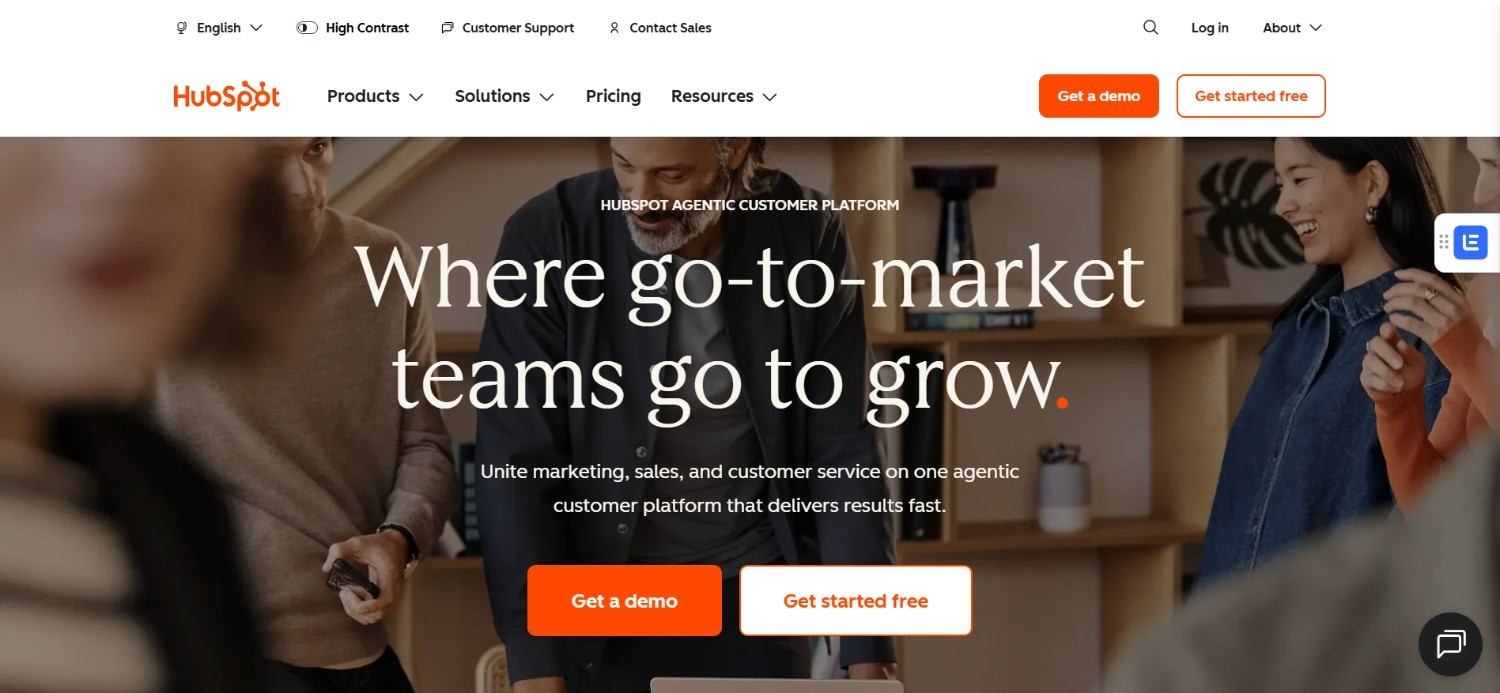
HubSpot's routing lives inside its workflow builder, already included in most subscriptions. Conditional branches assign leads, contacts, or companies based on picklist field values, with round robin logic built in for evenly splitting volume.
For HubSpot’s lead routing to work well, the fields driving that logic usually need to be picklists rather than free text, since workflows branch more reliably on fixed values.
Many teams extend this setup once they connect HubSpot to Clay for enrichment, feeding fresh data into those same picklist fields. When that connection breaks, routing can quietly stop firing too, which is why you must find the solution in case your Clay HubSpot integration is not working.
This remains the most common starting point for early-stage teams, since it requires no new tool or added spend.
Ideal For
Early-stage and seed-stage startups building their first routing logic
Teams that want routing capability already included in their CRM
HubSpot users comfortable managing picklist fields and workflow branches
Top Features
Native workflow builder with conditional branching by picklist field
Round robin assignment for leads, contacts, and companies
No additional software cost for teams already on a paid HubSpot tier
Direct assignment based on lifecycle stage or deal properties
Why It Stands Out
HubSpot's routing costs nothing extra for teams already paying for the platform, which makes it the natural first step before evaluating dedicated lead distribution platforms.
Teams weighing this against a full CRM switch can compare HubSpot vs Salesforce before deciding where routing logic should live long-term.
Pros
Included in existing HubSpot plans, with no added routing software cost
Familiar workflow interface for teams already using HubSpot daily
Reasonably flexible for straightforward round robin lead routing
Cons
Routing logic depends heavily on fields being set up as picklists
Capacity and complexity limits show up once teams scale past a simple rotation
Rebuilding logic after a team change requires manual workflow edits
Pricing
HubSpot's free tools start at $0 per month, though pricing across the wider platform varies by hub and tier.
Starter plans begin around $7 per seat per month. Marketing Hub Professional starts at $800 per month, while the Enterprise plan starts at $3,600/month, with some higher tiers adding onboarding fees as well.
Final Verdict
HubSpot is the right starting point for most early-stage teams evaluating HubSpot lead routing, since it requires no new spend.
Teams that want help configuring workflows correctly the first time can also look at the best HubSpot automation agencies rather than building routing logic alone.
4. Salesforce
https://drive.google.com/file/d/1emwGvJyFgJWRV1-pvGauRkBHttTE0bNJ/view?usp=sharing
Overview
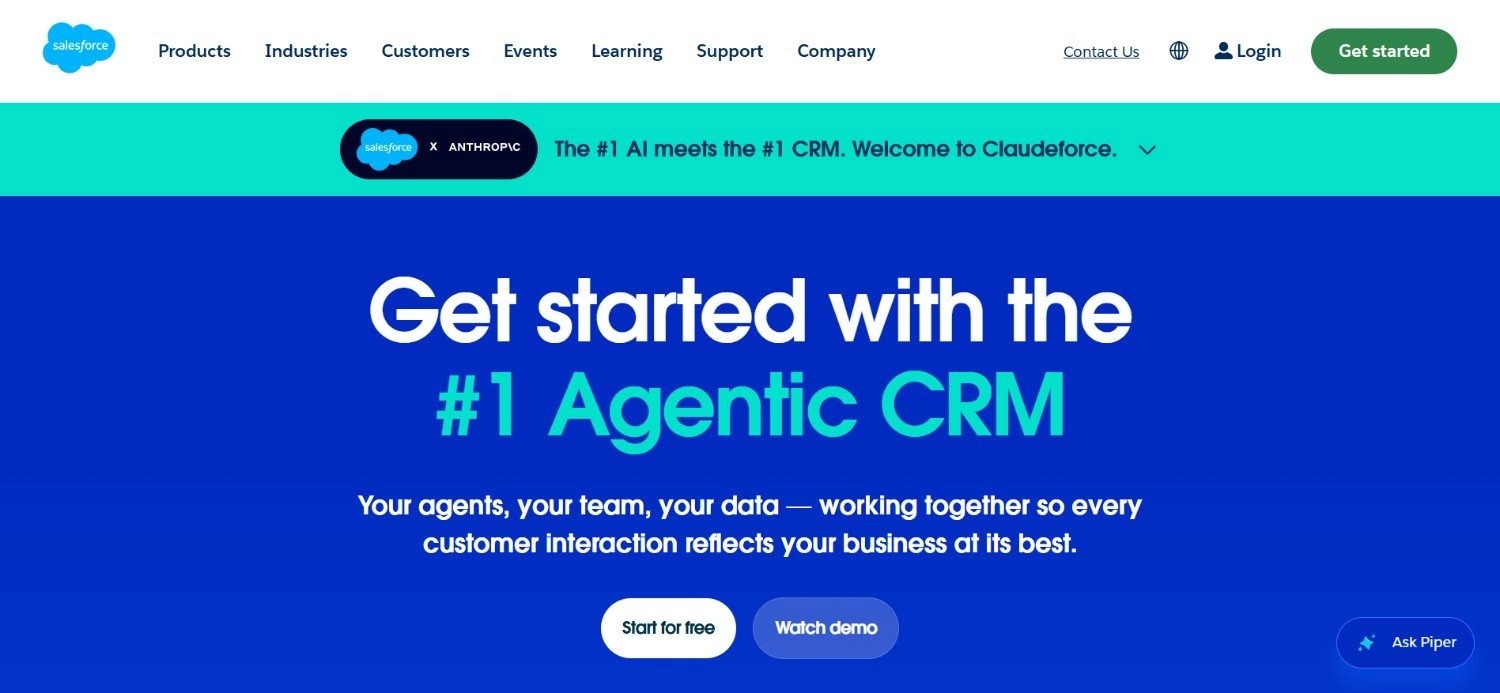
Salesforce lead routing runs through native assignment rules and queues, built directly into Sales Cloud. Leads can route based on field values, ownership rules, or territory assignment, without needing a separate application layer.
For enterprise teams already standardized on Salesforce, this native option avoids adding another vendor to an already complex stack. Newer Agentforce-based routing extends this further, layering AI-driven assignment logic on top of the existing rule engine.
The tradeoff is similar to HubSpot's: native routing works well until the logic outgrows what queues and assignment rules can express cleanly.
At that point, most teams evaluate dedicated lead distribution software built for Salesforce, rather than stacking workarounds onto rules never designed for that complexity.
Ideal For
Enterprise teams already standardized on Salesforce Sales Cloud
Teams comfortable configuring native assignment rules and queues
Organizations exploring AI-assisted routing through Agentforce
Top Features
Native assignment rules based on field values or ownership
Queue-based routing for team-level lead distribution
Territory management for geography or account-based structures
Agentforce-based routing for AI-assisted assignment logic
Why It Stands Out
Salesforce lead routing has the advantage of sitting inside a platform most enterprise revenue teams already run everything else through, so there is no new integration to maintain.
Pros
No additional vendor required for basic routing needs
Deep native access to account, contact, and opportunity data
Agentforce extends routing with AI-assisted logic over time
Cons
Assignment rules and queues can become hard to maintain as they grow
Requires solid admin knowledge to configure well
Complex routing logic often eventually pushes teams toward a dedicated tool anyway
Pricing
Salesforce lead routing is typically included as part of Sales Cloud, so cost follows the edition price.
In US dollars, that runs from about $25 per user per month for Starter Suite up to $550 per user per month for Agentforce 1 Sales, depending on your needs.
Final Verdict
Salesforce is a solid native option for enterprise teams that already live inside the platform.
Once routing logic gets genuinely complex, pairing it with a dedicated tool like LeanData is usually the next step.
5. RevenueHero
https://drive.google.com/file/d/1NJcvmTwIaXJbmUvtwcW_gA9wwo7DClaM/view?usp=sharing
Overview
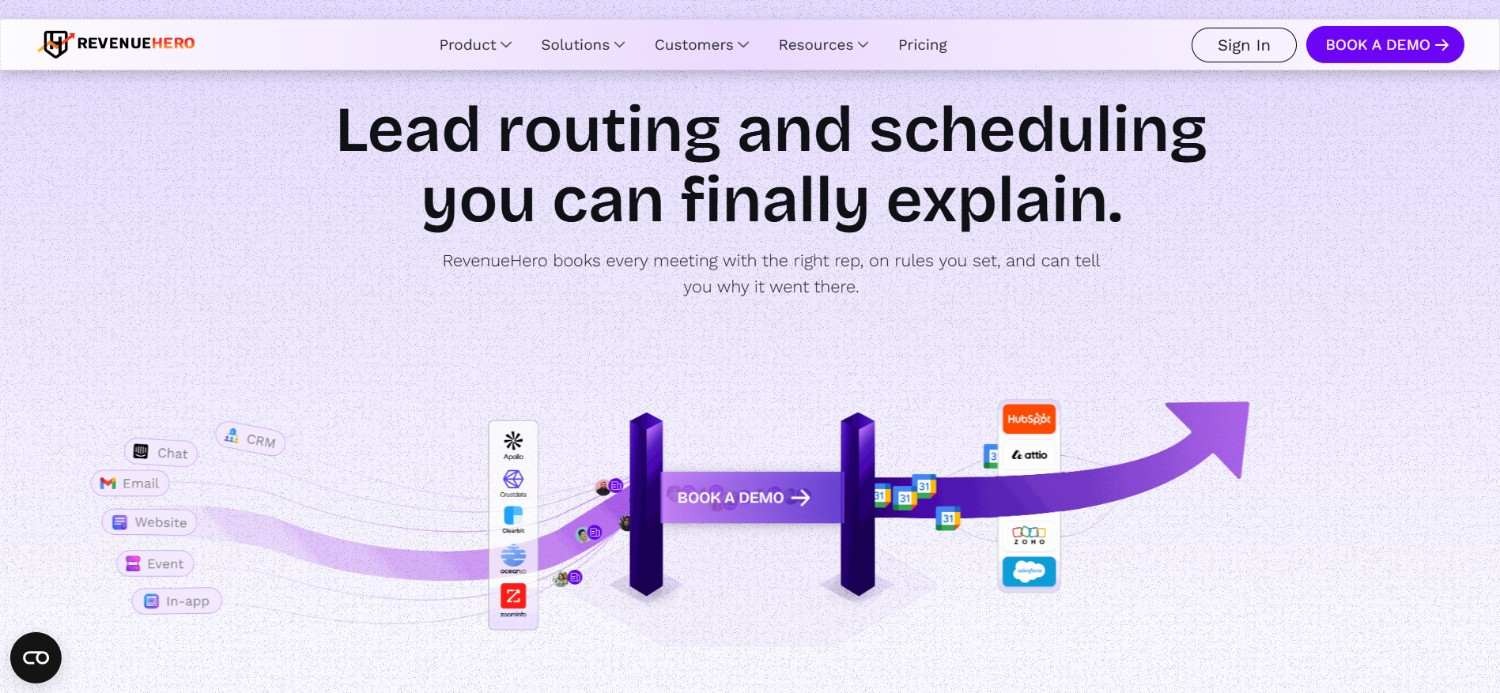
RevenueHero combines round robin lead routing with meeting scheduling, aimed at inbound teams that want both in one tool rather than stitched together. Leads get routed and a meeting gets booked in the same motion, which cuts down on handoff delay.
The platform also supports outbound use cases, giving teams a single tool for both inbound routing and outbound meeting booking rather than running 2 separate systems.
That combination puts RevenueHero in a similar category to Chili Piper, though generally at a lower price point.
Ideal For
Inbound teams that want routing and meeting scheduling in one tool
Revenue teams also running outbound motions that need booking support
Teams looking for a lower-cost alternative to Chili Piper's core use case
Top Features
Round robin lead routing paired with built-in meeting scheduling
Separate plans for inbound and outbound use cases
Per-user pricing with a lower entry point than several competitors
Why It Stands Out
RevenueHero's combined routing and scheduling workflow addresses the same core problem as Chili Piper, generally at a lower per-seat cost, based on published pricing.
Pros
Lower entry price than several other dedicated routing and scheduling tools
Covers both inbound and outbound use cases in one platform
Straightforward per-user pricing structure
Cons
Less established track record than some longer-standing competitors
The GTM Engineering Company has not tested it directly with a client
Feature depth on complex enterprise routing logic is less documented publicly
Pricing
Inbound Essentials costs $99 per month plus $35 per user per month on monthly billing, while Inbound Enterprise costs $99 per month plus $45 per user per month.
Annual billing lowers the platform fee to $79, plus $25 or $35 per user depending on tier.
Lastly, their 'Outbound Essentials' plan starts at $25/user per month.
Final Verdict
RevenueHero looks like a reasonable lower-cost alternative to Chili Piper based on public information.
Teams considering it should validate the fit directly, since this review is based on published details rather than direct implementation experience.
6. Default
https://drive.google.com/file/d/1snesz2HnO8N8ckDOeMEvjRw8Nubl0nlH/view?usp=sharing
Overview
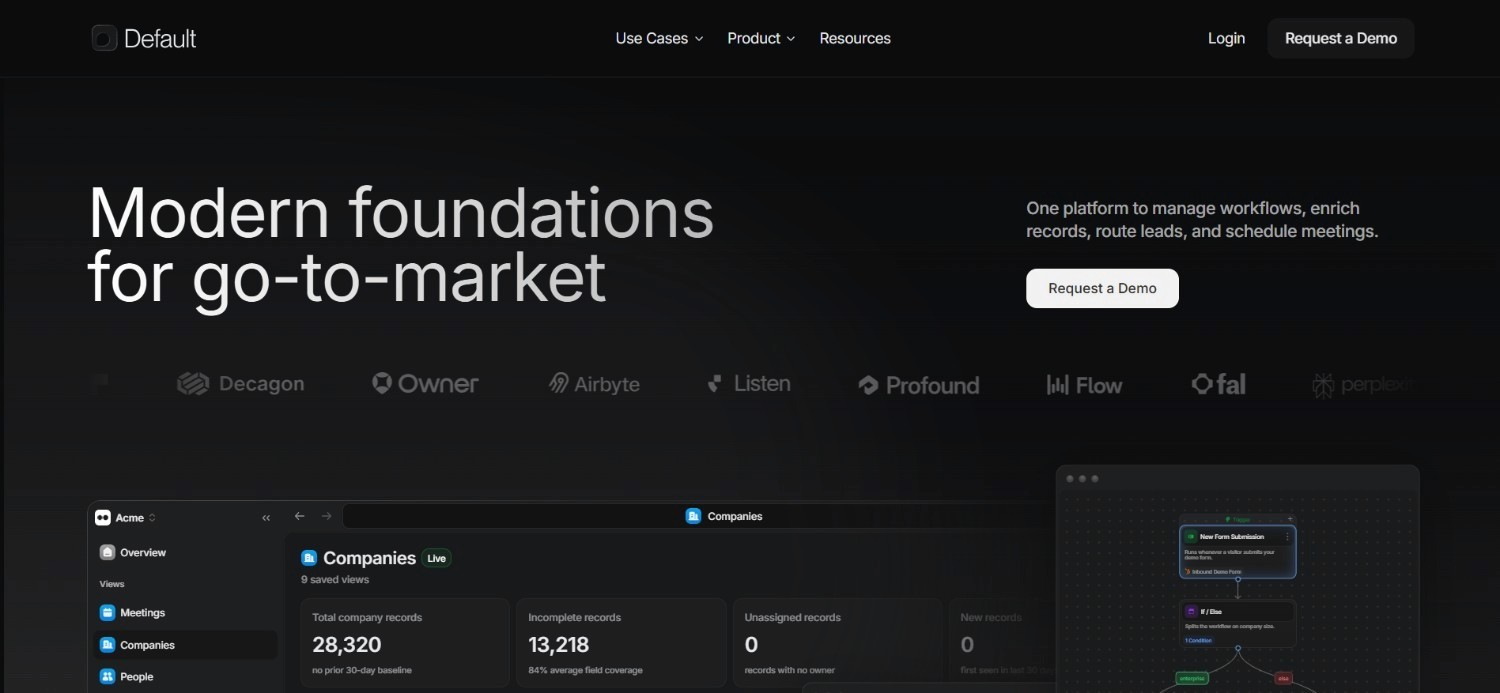
Default positions itself around bundling lead routing software with enrichment credits, so teams get both distribution logic and updated contact data in one subscription. Routing and scheduling features sit alongside a set number of annual enrichment credits included in the plan.
That combination appeals to teams who would otherwise be paying separately for a routing tool and an enrichment tool. Implementation support is included in the base plan, which might be relevant for teams without in-house RevOps capability to configure the routing logic themselves.
Default also offers scheduling-only seats at a lower price point, useful for teams that need calendar booking without full routing logic attached to every seat.
Ideal For
Teams that want routing and contact enrichment bundled together
Growing companies without in-house capacity to configure routing logic alone
Teams that need a mix of full routing seats and scheduling-only seats
Top Features
Routing and scheduling seats bundled with annual enrichment credits
Implementation support included in the Growth plan
Separate, lower-cost scheduling-only seat option
Custom Scale plan for higher-volume teams
Why It Stands Out
Default's bundled enrichment credits mean teams are not paying for a separate data tool alongside their lead distribution software, which simplifies the overall stack.
Pros
Enrichment credits included, reducing the need for a separate data tool
Implementation support included in the base plan
Flexible seat types for routing versus scheduling-only needs
Cons
Enrichment credits are capped annually, which may not suit high-volume teams
Scale plan pricing is custom, so cost at higher volume is not published
Newer entrant compared to some longer-established competitors on this list
Pricing
The Growth plan starts at $500 per month, with routing and scheduling seats at $45 per user per month, or scheduling-only seats at $20 per user per month.
It includes 20,000 annual enrichment credits and implementation support.
The Scale plan uses custom pricing, though routing and scheduling seats stay at $45 per user per month.
Final Verdict
Default is worth considering for teams that want routing and enrichment under one subscription.
Teams with high enrichment volume needs should check whether the included credits actually cover their usage.
7. Kubaru
https://drive.google.com/file/d/1Z7ljWo3xT5lNhsEgjj13PotC5jVKt4mZ/view?usp=sharing
Overview
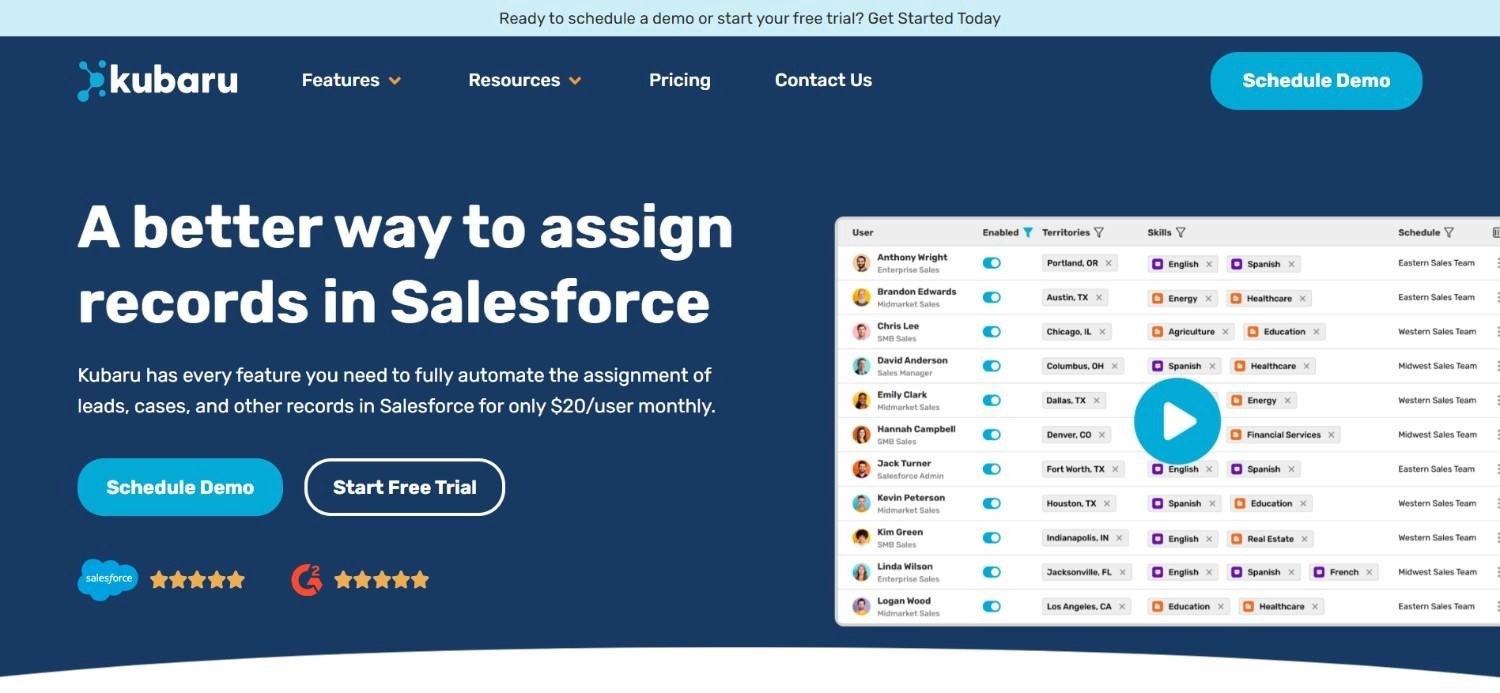
Kubaru keeps its pitch simple: flat, per-user pricing with every routing and assignment feature included, rather than splitting functionality across multiple paid tiers. That structure removes a common source of surprise cost in this category.
The platform is aimed at teams that want routing capability without negotiating a custom contract or working through a tiered feature matrix. A 30-day free trial with no credit card required also lowers the barrier to actually testing routing logic before committing.
For teams that mainly want reliable routing without extra layers, that simplicity is often the point.
Ideal For
Budget-conscious teams that want predictable, flat per-user pricing
Teams that want to trial routing software before committing to a contract
Growing teams that expect to add more licenses over time
Top Features
Flat per-user pricing with all routing and assignment features included
No separate implementation or support fees
30-day free trial with no credit card required
Volume discounts for teams purchasing more than 50 licenses
Why It Stands Out
Kubaru's all-inclusive pricing model stands out in a category where many competitors charge extra for support, implementation, or advanced routing logic.
Pros
Simple, predictable pricing with no hidden feature tiers
Free trial available without a credit card
Volume discounts reward growing teams
Cons
Smaller, less established brand compared to category leaders
Fewer public case studies documenting complex enterprise deployments
May lack some of the deeper qualification logic found in pricier tools
Pricing
Kubaru costs $20 per user per month, with all lead routing and assignment features included and no separate implementation or support fees.
It also includes a 30-day free trial with no credit card required, plus volume discounts for organizations purchasing more than 50 licenses.
Final Verdict
Kubaru is a reasonable pick for teams that want straightforward lead routing software without a complicated pricing structure. Larger enterprises with deep qualification needs may still outgrow it.
8. Qualified
https://drive.google.com/file/d/18ZvC5rGIB98yiE4BX1SJxy7BL-FFuJUJ/view?usp=sharing
Overview
Qualified builds its routing around an AI SDR that engages website visitors directly, then hands off qualified conversations to the right rep. Account segmentation and Salesforce integration sit underneath that conversational layer.
That approach shifts part of the routing decision earlier, into the conversation itself, rather than waiting for a form submission.
Conversation and meeting routing both fall under the same platform, so a visitor engaging with the AI SDR can end up routed to a live meeting without a separate handoff step.
Ideal For
Enterprise teams running an AI SDR alongside human sales reps
Companies with meaningful website traffic worth engaging conversationally
Salesforce-standardized teams wanting conversation-level routing
Top Features
Piper AI SDR for engaging and qualifying website visitors
Account segmentation tied to Salesforce data
Conversation and meeting routing under one platform
Automated workflows connecting conversations to routing decisions
Why It Stands Out
Qualified's AI SDR layer means routing decisions can start before a form is even submitted, which is a different entry point than most lead distribution software on this list.
Pros
AI-assisted qualification happens earlier in the visitor journey
Deep Salesforce integration for account-level segmentation
Combines conversation and meeting routing in one system
Cons
Custom pricing makes budgeting harder without a sales conversation
Best suited to teams with meaningful existing website traffic
Built around Salesforce, with less clarity on other CRM support
Pricing
Qualified does not publish fixed prices for its Agentic Marketing Platform. Their 'Premier', 'Enterprise' and 'Ultimate' plans are custom-priced, based on pipeline requirements and scale.
All plans include the Piper AI SDR feature, account segmentation, Salesforce integrations, analytics and meeting routing alongside automated workflows.
Final Verdict
Qualified is a strong fit for enterprise teams with real website traffic and a Salesforce-first stack.
Teams without that traffic volume will likely see less return on the AI SDR layer.
9. Cal.com
https://drive.google.com/file/d/100VSCOlL0IFED7vBGmAxVYq7C0wfTJLD/view?usp=sharing
Overview
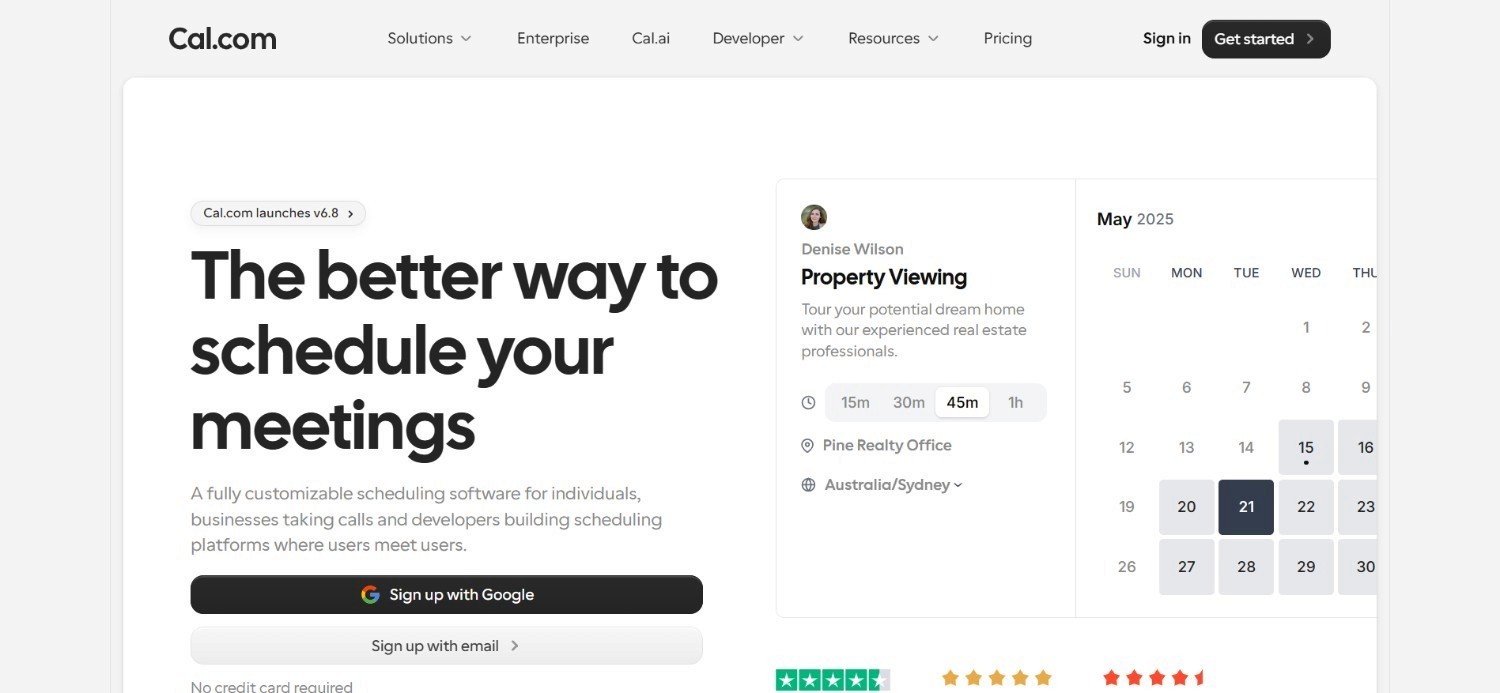
Cal.com is an open-source scheduling platform that includes team-level round robin lead routing alongside its core booking functionality. Its API access appeals to teams that want to build routing logic into their own systems rather than relying only on a vendor's interface.
Since it started as a scheduling tool, routing stays tied to calendar availability, suiting teams whose main need is getting the right person onto a call fast.
Cal.com's open-source roots also mean technical teams can self-host or extend it, which is uncommon among the other tools in this comparison.
Ideal For
Teams that want scheduling-first routing tied closely to calendar availability
Technical teams comfortable using API access to extend routing logic
Companies interested in an open-source alternative to proprietary tools
Top Features
Round robin scheduling and routing at the team level
Open API access for custom routing logic
Free Individual plan alongside paid Team and Organization tiers
Open-source codebase available for self-hosting or extension
Why It Stands Out
Cal.com's open-source foundation and API access give technical teams more control over routing logic than most closed, vendor-hosted alternatives.
Pros
Free plan available for individual use
Open-source and self-hostable for technical teams
API access supports custom routing logic beyond the base product
Cons
Routing logic is lighter than tools built specifically around qualification
Best suited to scheduling-first use cases rather than complex lead assignment
Enterprise pricing requires a custom conversation
Pricing
Cal.com offers a free Individual plan.
Teams costs $12 per user per month and Organizations costs $28 per user per month, both billed annually with a 25 percent discount, and both include 14-day free trials.
Enterprise uses custom annual pricing for advanced security, support, and infrastructure needs.
Final Verdict
Cal.com works well for teams whose routing need is mostly about getting someone onto a calendar fast.
Teams with heavier qualification logic will likely need a more dedicated tool.
10. Cognism
https://drive.google.com/file/d/1SqeygcFsuqZ9Ardw5nADc2cr2TsgBioX/view?usp=sharing
Overview
Cognism pairs lead distribution with prospecting data, so routing decisions can factor in contact information the platform already sourced. That combination is useful for teams that want enrichment and routing without managing 2 separate vendors.
The platform is subscription-based, with additional credits available for contact reveals, enrichment, and exports beyond what a plan includes by default. Such a structure means the core subscription covers routing and data access, while heavier usage scales with credits rather than a flat overage fee.
Cognism is generally positioned toward teams whose routing needs are secondary to their need for reliable contact and company data at scale.
Ideal For
Teams that want prospecting data and lead distribution from one vendor
Sales teams whose routing needs are tied closely to contact data quality
Companies comfortable with a credit-based model for enrichment and exports
Top Features
Lead distribution tied to sourced contact and company data
Credit-based system for contact reveals, enrichment, and exports
Subscription plans with a set number of included seats
Why It Stands Out
Cognism's combination of prospecting data and lead distribution software in one subscription reduces the number of vendors a team needs to manage.
Pros
Combines data sourcing and routing under one subscription
Credit system allows scaling usage without changing the base plan
Useful for teams where data quality is as important as routing logic
Cons
Annual pricing structure requires a larger upfront commitment
Credits for reveals and exports can add cost beyond the base plan
Routing logic itself is less of a focus than the data layer
Pricing
Cognism's Sales Prospecting plans start at $14,000 per year for the Standard tier and $18,750 per year for the Pro tier, with 5 seats included in each.
Pricing is subscription-based, with additional Cognism Credits available separately for contact reveals, enrichment, and exports.
Final Verdict
Cognism makes sense for teams that need prospecting data as much as routing logic.
Teams that only need routing will likely find better value in a dedicated tool.
How to Choose the Best Lead Routing Software (What To Consider)?
With 10 tools and a wide price range to weigh, it helps to narrow the decision down to a handful of practical factors.
Here's what to look at before choosing one:
1. Start With What Your CRM Already Does
HubSpot and Salesforce both include built-in workflows for round robin lead routing and field-based logic, and for many teams that is enough. Most of the time, those fields need to be picklists for the logic to branch cleanly.
Audit your CRM's field setup before assuming you need new software.
2. Plan for Team Changes, Not Just Today's Team
Sales teams are fluid. SDRs graduate into AE roles, and AEs move into mid-market, enterprise, or leadership.
Whatever lead routing software you choose, make sure updating the rotation when someone joins or leaves does not require rebuilding the logic from scratch.
3. Match the Tool to Your CRM
Some lead distribution platforms, like LeanData, work specifically with Salesforce, while others integrate more broadly across CRMs.
Confirm your chosen tool supports the specific objects and fields your team already routes on, since a mismatch here creates ongoing maintenance work.
4. Decide How Much Qualification You Actually Need
Tools like Chili Piper and Qualified add qualification logic before a lead reaches a rep, while simpler lead assignment software just distributes what comes in.
If your team already qualifies leads elsewhere in the funnel, that added layer may be more complexity than value.
5. Compare Price Per Seat, Not Just the Sticker Price
Entry pricing across this category ranges from $12 per user per month to well over $1,000 per month for a full platform.
Multiply that by your current team size, and by where that headcount is likely to be in a year, before deciding what counts as affordable.
6. Consider Whether Routing Fits Into a Wider Automation Layer
Lead routing rarely works in isolation from the rest of a revenue stack.
Enrichment, scoring, and outbound sequencing often feed the same fields that routing logic depends on.
Teams already using Clay automation as part of their workflow should map how routing fits alongside it, rather than treating routing as a standalone decision.
Everything You Need to Know About Lead Routing Software
Tool | Pros | Cons | Ease of Use | Integrations | Support | Affordability |
Chili Piper | Strong qualification, HubSpot and Salesforce native, handles handoffs | High entry price, assumes SDR and AE structure, add-ons cost extra | ⭐⭐⭐⭐ | ⭐⭐⭐⭐⭐ | ⭐⭐⭐⭐ | ⭐⭐ |
LeanData | Strong account matching, territory rules, deep Salesforce fit | Salesforce-only depth, unpublished pricing, complex setup | ⭐⭐⭐ | ⭐⭐⭐⭐ | ⭐⭐⭐⭐ | ⭐⭐ |
HubSpot | No added cost, familiar workflows, flexible for basic routing | Picklist dependency, capacity limits, manual rework after changes | ⭐⭐⭐⭐⭐ | ⭐⭐⭐⭐ | ⭐⭐⭐⭐ | ⭐⭐⭐⭐⭐ |
Salesforce | No new vendor, deep native data access, Agentforce extends logic | Rules get hard to maintain, needs admin skill, eventual tool need | ⭐⭐⭐ | ⭐⭐⭐⭐⭐ | ⭐⭐⭐⭐ | ⭐⭐⭐ |
RevenueHero | Lower entry price, inbound and outbound, simple per-user pricing | Less established, limited enterprise documentation, unverified here | ⭐⭐⭐⭐ | ⭐⭐⭐ | ⭐⭐⭐ | ⭐⭐⭐⭐ |
Default | Enrichment bundled in, implementation included, flexible seat types | Capped credits, custom Scale pricing, newer entrant | ⭐⭐⭐⭐ | ⭐⭐⭐ | ⭐⭐⭐⭐ | ⭐⭐⭐ |
Kubaru | Predictable pricing, free trial, volume discounts | Smaller brand, fewer case studies, lighter qualification logic | ⭐⭐⭐⭐ | ⭐⭐⭐ | ⭐⭐⭐ | ⭐⭐⭐⭐⭐ |
Qualified | Early AI qualification, deep Salesforce fit, conversation routing | Custom pricing, needs real traffic, Salesforce-centric | ⭐⭐⭐ | ⭐⭐⭐⭐ | ⭐⭐⭐⭐ | ⭐⭐ |
Cal.com | Free plan, open-source, API access | Lighter routing logic, scheduling-first focus, custom enterprise pricing | ⭐⭐⭐⭐ | ⭐⭐⭐ | ⭐⭐⭐ | ⭐⭐⭐⭐⭐ |
Cognism | Data and routing combined, flexible credit system, useful for data-first teams | Large upfront commitment, credit costs add up, routing secondary to data | ⭐⭐⭐ | ⭐⭐⭐ | ⭐⭐⭐⭐ | ⭐⭐ |
Get Help From The GTM Engineering Company
Most teams don't really need a new tool. Instead, they need someone to sit inside tools like HubSpot and Salesforce to fix the routing logic which has quietly decayed while teams changed shape. That's where The GTM Engineering Company comes into the picture.
We audit existing workflows and rebuild routing rules around picklist fields that actually branch cleanly. Every change ships with a Loom and a written SOP for your sales team.
When a CRM's native routing genuinely runs out of room, we help evaluate and implement a dedicated tool instead of guessing.
Every engagement starts with a CRM audit included in the retainer. By day 30, expect a documented punch list and at least one working routing rule live in your CRM.
Request a 30-day audit with us today
FAQs About Lead Routing Software
What is the best lead routing software in 2026?
The best lead routing software depends on where your routing logic already lives. For teams still inside HubSpot or Salesforce, native workflows and assignment rules cover most needs at no added cost. For teams with real inbound volume and a defined SDR-to-AE handoff, Chili Piper is the strongest dedicated option, starting at $1,250 per month for up to 15 seats.
What should I consider when choosing the right lead routing software for me?
You should consider your current CRM's native routing capacity, how much qualification logic you actually need, and how easily the tool lets you update rules as your team changes. Lead routing software that requires a full rebuild every time someone joins or leaves creates ongoing maintenance work. Comparing price per seat against your team size, not just the sticker price, makes the decision more concrete.
How does The GTM Engineering Company differ from a lead routing tool?
The GTM Engineering Company is not a lead routing tool; it is the team that builds and documents the routing logic inside the tools you have. Most lead distribution software still requires someone to configure and maintain the rules as your team changes. The GTM Engineering Company does that work inside HubSpot or Salesforce, then hands over a documented system your team can run independently.
How do I get started working with The GTM Engineering Company?
Getting started begins with a 30-minute call to review your current CRM setup and routing logic. From there, engagements run as 3- or 6-month retainers with weekly working sessions, starting with a CRM audit already included in the cost. Every workflow built during the engagement ships with a Loom walkthrough and a written SOP.
Is lead routing software necessary if my CRM already has workflows?
Not always. HubSpot and Salesforce workflows handle straightforward round robin lead routing and field-based logic without any added software cost. Dedicated lead routing tools become worth the added cost once qualification, territory rules, or handoff logic get more complex than a workflow can cleanly express. Auditing your current workflow setup first is usually the fastest way to tell which situation you are in.
What is round robin lead routing, and when does it stop working well?
Round robin lead routing assigns incoming leads evenly across a rotation of reps, one after another, regardless of the lead's specific attributes. It works well for teams where every rep can handle any lead type equally well. It stops working well once teams need routing based on territory, deal size, or qualification data, since a straight rotation ignores all of that context.
Why does lead routing logic break so often as teams grow?
Lead routing logic breaks most often because rules were built around specific people, not a role structure that can flex as the team changes. When an SDR is promoted to AE, or a new hire joins mid-quarter, hardcoded rules don't update automatically. The fix is building routing around roles and capacity, not named individuals, so changes require a small edit, not a full rebuild.