

Key Takeaways (TL;DR)
Clay now sits inside the stack at 16,000+ GTM teams: early-stage startups and enterprises like OpenAI, Anthropic, and Rippling all build on it. It isn't a niche tool anymore, it's the default infrastructure for revenue teams that ship fast.
The companies that use Clay well share one habit: they treat it as a living data layer, not a one-time list-building tool. Anthropic 3x’d its enrichment rate, Intercom grew outbound-sourced pipeline by 140%, and Mistral AI cut TAM mapping from two months to ten days.
Public case studies only tell half the story: the Clay customers featured on Clay's own site show what's possible at companies with in-house GTM engineers already on staff. Most mid-market teams don't have that person yet, which is where a build partner closes the gap.
Clay is not a fit for everyone: pre-PMF teams and companies without a working sales motion to scale tend to waste budget on it. A disqualifier and an evaluation framework further down this piece will save you the trial-and-error.
Getting value from Clay is a build problem, not a login problem: buying a seat gets you a blank workspace. Every team named in this article got results because someone engineered the tables, the waterfalls, and the scoring logic behind them.
Companies that Use Clay: at a Glance
Company | Core Problem | Clay Solution | Key Outcome |
Anthropic | Enrichment spread across too many point tools | Single waterfall pulling from 200+ data providers | 3x enrichment rate |
Intercom | Static, aging target-account lists | Agents that continually research accounts | 140% growth in outbound-sourced pipeline |
Mistral AI | TAM mapping and account scoring took two months | Automated TAM sourcing and scoring workflow | TAM mapping cut to ten days |
UiPath | 2.5 hours of manual research per enterprise account | AI-driven account research workflow, built by GTME | Research time cut to under 15 minutes |
Slate | 65,000 leads with no domain data or account linkage | Waterfall enrichment plus OpenAI-routed classification, built by GTME | 18,000 leads processed for about $38 |
Fluint | 10,000+ contacts with no scoring, 53% contact decay | PLG scoring and job-change outbound triggers, built by GTME | CCO-level demo booked in week one |
Table of Contents
Key takeaways (TL;DR)
Companies that Use Clay: at a Glance
What is Clay?: An Overview
Who Actually Uses Clay?: A Quick Answer
How Clay Changes B2B GTM Operations?
The Publicly Known Clay Customers (Tier 1)
Engagements Built by The GTM Engineering Company (Tier 2)
Clay Use Cases: What These Companies Actually Automate?
Who Clay Isn't Built For?
How to Build Your Own Clay GTM Playbook for Your B2B Business?
Stop Guessing, Start Automating Your GTM Motion with The GTM Engineering Company
FAQs About Companies That Use Clay
What is Clay?: An Overview
Clay is a data orchestration platform that helps you automate your data enrichment and GTM operations on a single platform.
Instead of subscribing to one enrichment vendor and living with whatever data coverage it has, a team can build a Clay table without code, and point it at 200+ data providers at once.
If the first provider doesn't have a contact's email or company funding history, Clay can automatically look up information on the next data source.
That chained fallback is called a waterfall, and it's the single idea underneath almost every case study in this article.
It's also why "who uses Clay?" has such a wide answer: the waterfall model works the same way whether you're enriching 200 records a month or 2 million.
At platform scale, that adds up fast: Clay has sourced 6.3 billion account and contact records, run 5 billion agent-powered research tasks, and enriched 3.4 billion inbound leads through automated workflows.
Who Actually Uses Clay?: A Quick Answer
Ask "who uses Clay?" and the honest answer is short: any B2B revenue team is tired of stitching together five tools that don't talk to each other.
That's the pattern across every company in this article, whether it's a 5,000-person enterprise or an eight-person startup.
Clay started as a favorite among scrappy outbound operators building lead lists by hand. By 2026, it's the default enrichment and orchestration layer for companies that use Clay to run CRM hygiene, account research, scoring, and outbound from one place instead of four.
More than 16,000 GTM teams of all sizes now build their GTM motion on Clay, from early-stage startups to some of the largest enterprises in the world. That scale is exactly why the question: "who uses Clay?", doesn't have one clean answer anymore.
An enterprise RevOps team with a dedicated GTM engineer uses it differently than a 20-person startup where the founder still runs outbound personally.
The rest of this article breaks down both versions: the public Clay customers you can study today, and what it actually takes to get to their results.
How Clay Changes B2B GTM Operations?
For a growth-stage B2B team, the shift usually shows up in four places at once:
Less manual research: reps stop opening ten browser tabs before every call, because account context arrives already built.
Cleaner CRM data: enrichment runs continuously in the background instead of during an annual data-cleanup sprint.
Faster time-to-signal: job changes, funding rounds, and hiring surges get caught the week they happen, not the quarter after.
A single source of truth for scoring: ICP fit and intent signals live in one table instead of three spreadsheets that disagree with each other.
The case studies below show what each of those looks like at a real company, not in theory.
The Publicly Known Clay Customers (Tier 1)
Clay publishes its own customer stories, which can be a useful starting point for anyone looking to evaluate the value of Clay.
Below are the most instructive companies that use Clay, pulled directly from Clay's published case studies:
1. Anthropic: 3x Enrichment Rate From a Single Waterfall

https://drive.google.com/file/d/19bqoC9S61dsnJ7XRvYh6eCN9i9XN6xFm/view?usp=sharing
The Challenge
Anthropic's enrichment was scattered across a patchwork of point-tool subscriptions, with no single source giving the team reliable coverage on its own.
The Playbook
The team consolidated onto a single waterfall pulling from Clay's 200-plus provider marketplace, so a record only failed to enrich if every provider came up empty.
The Results
A 3x enrichment rate compared to the old point-tool setup.
According to Head of GTM Infrastructure Adam Wall, a team freed from manual data entry to focus on higher-value work.
2. OpenAI: Automated Pre-Call Prep and Doubled Enrichment Coverage

https://drive.google.com/file/d/1NhSILUbXK8PGmBLfurk7fnkth5KYP40R/view?usp=sharing
The Challenge
Reps were walking into calls without current account context, and overall enrichment coverage sat in the low 40% range, too thin to rely on.
The Playbook
OpenAI's team built automated pre-call prep notes from fresh contact and account data, paired with a broader enrichment push across the CRM.
The Results
Pre-call briefs generated automatically ahead of every meeting.
Enrichment coverage more than doubled, from the low 40% range to the high 80% range.
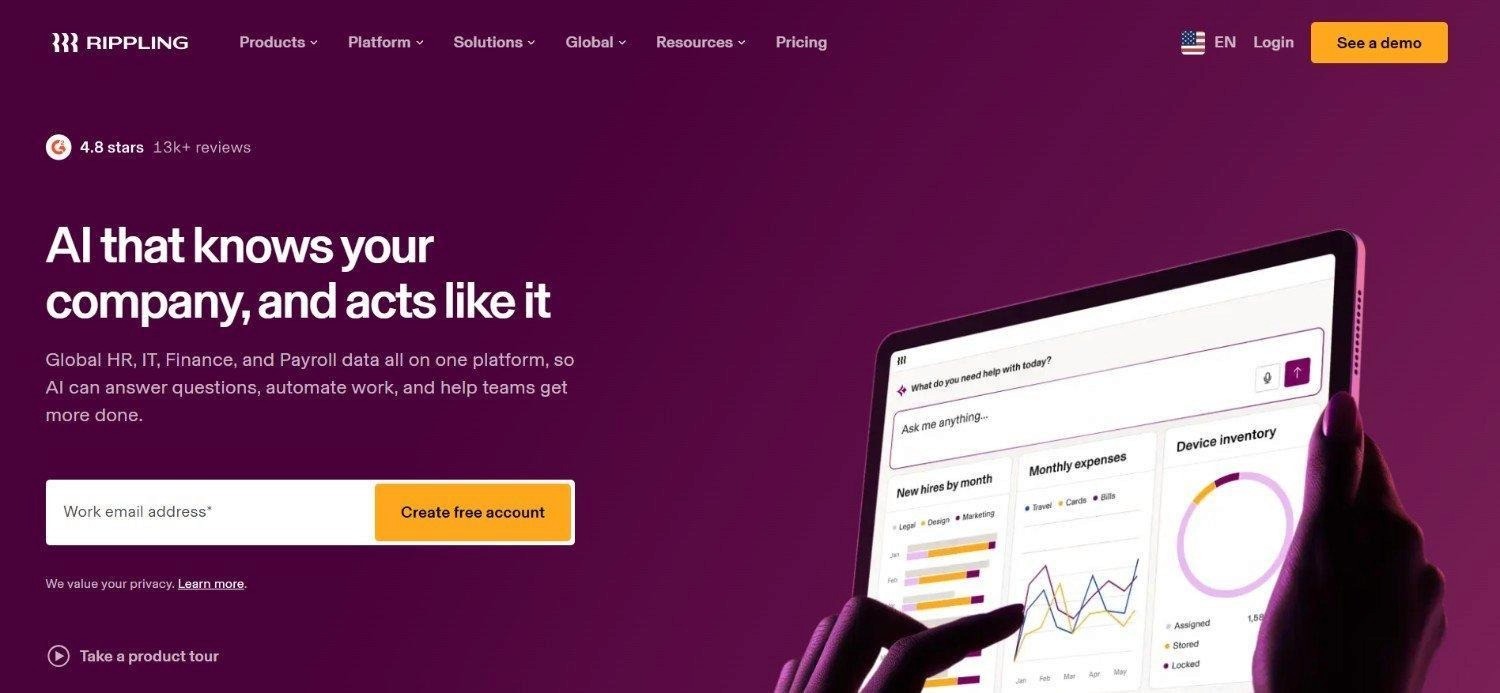
3. Rippling: 2x Cold Email Performance With Enriched Account Data
https://drive.google.com/file/d/1SdCFMzLf2cV_T-lM19XU7FvM_5YUftKR/view?usp=sharing
The Challenge
Outbound email read the same to every buyer persona, despite Rippling selling into HR, IT, and finance audiences at once.
The Playbook
The team built tailored messaging off enriched account data, so the same outbound motion could speak differently to each persona without manual segmentation.
The Results
Outbound impact and cold email performance roughly doubled.
One message framework, personalized automatically instead of rewritten by hand for each audience.
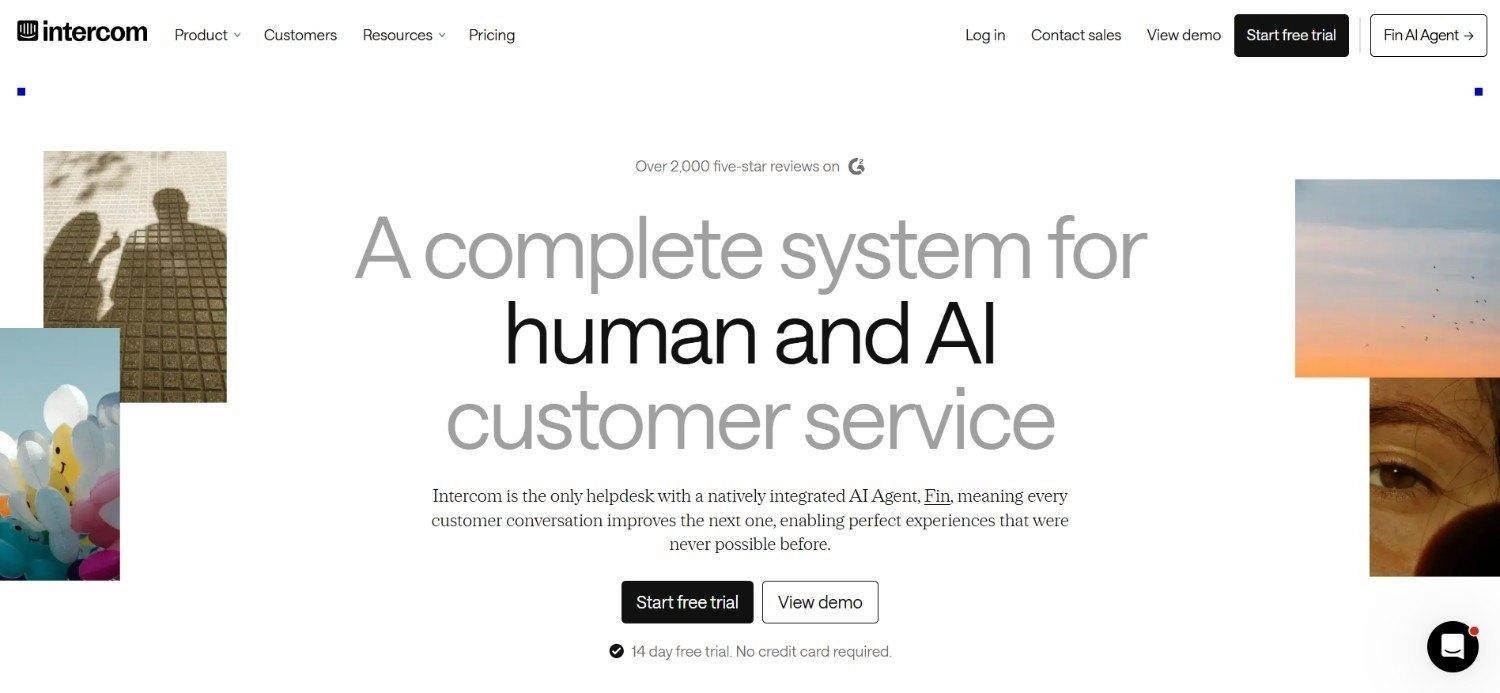
4. Intercom: 140% Growth in Outbound-Sourced Pipeline
https://drive.google.com/file/d/1cb-qTJtwzN5nrHIFstwADbRa0qkUBNnR/view?usp=sharing
The Challenge
Intercom's target-account list went stale the moment it was built, forcing reps to work off outdated information within weeks.
The Playbook
Agents were set up to continually research target accounts, replacing the static export with a list that stayed current on its own.
The Results
140% growth in outbound-sourced pipeline.
A target-account list that updates itself instead of aging out.
5. Vanta: The "Essential Pillar" of a Compliance-Heavy GTM Stack

https://drive.google.com/file/d/1-IaH7PdtSUhjuqzA_j6cXGrdGkn_kMjI/view?usp=sharing
The Challenge
Selling into a compliance-conscious buyer meant every outreach touch needed to be accurate, not just fast, with little room for stale or incorrect data.
The Playbook
Vanta runs Clay across CRM enrichment, account research, rep assist, and outbound at once, a wider footprint than most companies in this list.
The Results
A team that describes Clay as one of the essential pillars of its GTM stack.
Outreach accuracy maintained across four workflows running simultaneously, not just one.
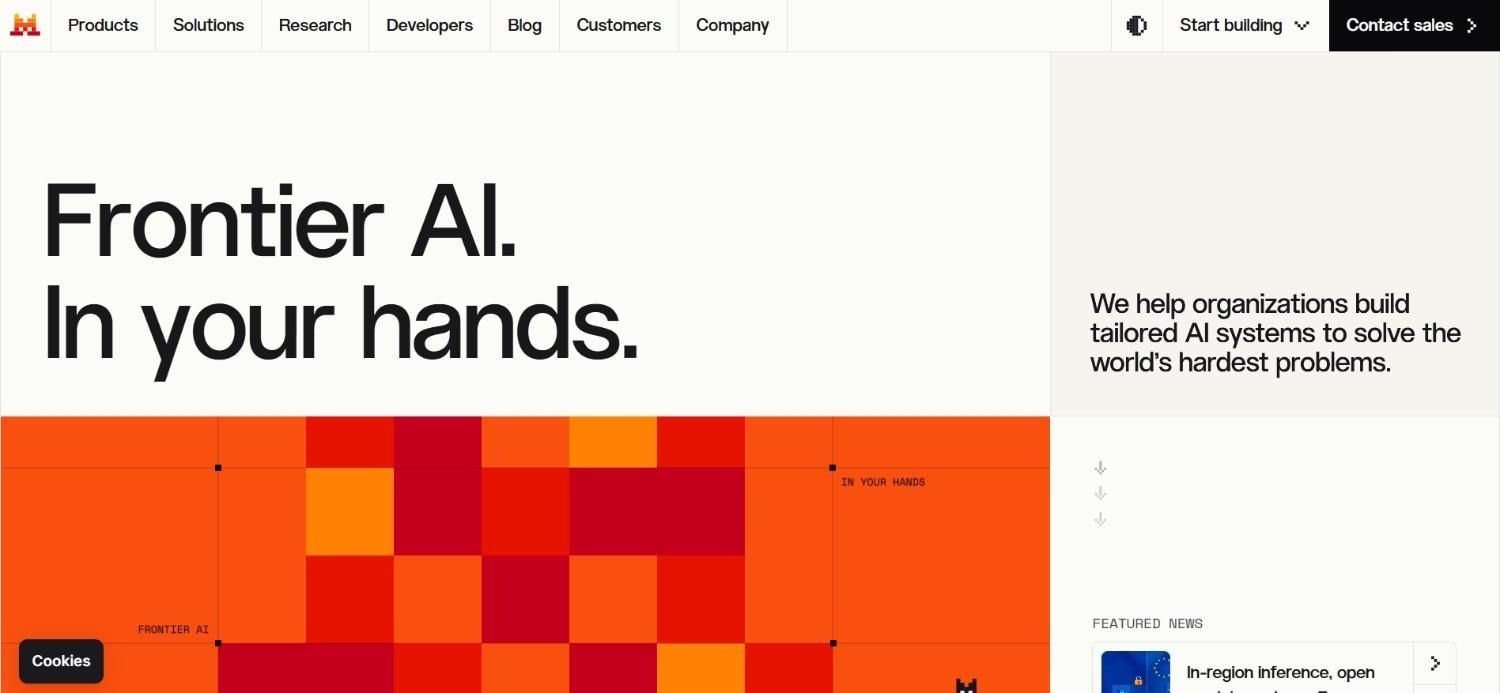
6. Mistral AI: TAM Mapping Cut From Two Months to Ten Days
https://drive.google.com/file/d/1qhLiESOujVc_m8FRgrYK1Ft9suo9pp9d/view?usp=sharing
The Challenge
TAM mapping and account scoring took two months to complete, which meant sales leadership was always planning off numbers that were already stale.
The Playbook
The team built an automated TAM sourcing and scoring workflow to replace the manual mapping process.
The Results
Mapping time cut fourfold, from two months to ten days.
Account scoring that updates alongside the TAM instead of running as a separate project.
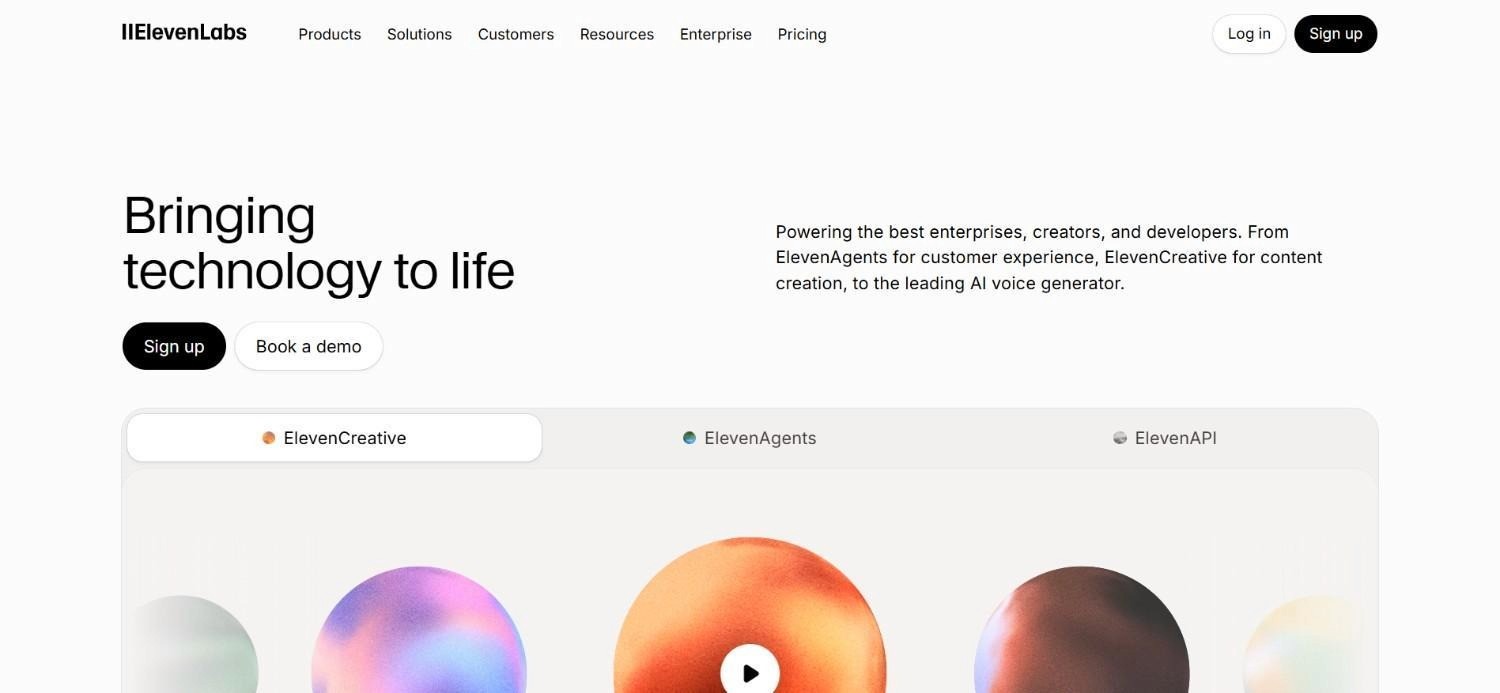
7. ElevenLabs: 50% More Sales-Qualified Leads From Faster Speed-to-Lead
https://drive.google.com/file/d/1nA142CRKhapCQda7DrMZ120sCF5qhgOT/view?usp=sharing
The Challenge
Leads sat untouched long enough to go cold before a rep ever reached out, costing the team qualified pipeline before it had a chance to convert.
The Playbook
ElevenLabs built automated routing that cut speed-to-lead down to under five minutes.
The Results
A 50% increase in sales-qualified leads.
Speed-to-lead reduced from an unspecified lag to under five minutes.
8. Hex: 50% Lift in Inbound Win Rate
https://drive.google.com/file/d/1yhuzwF1bWPOsV89QzffXkZlipMYlvQVj/view?usp=sharing
The Challenge
Inbound leads arrived with no consistent scoring or routing logic, leaving reps to sort out priority manually.
The Playbook
Clay was set up to handle that routing and enrichment automatically as leads came in.
The Results
A 50% lift in inbound win rate.
Consistent routing logic applied to every inbound lead, not just the ones a rep happened to catch first.
9. Figma, Saviynt, Pendo, and Northbeam: Four Shorter Wins Worth Knowing
https://drive.google.com/file/d/14R2Jfq8wcu15sTfITCc6IYZOuvZg9qFk/view?usp=sharing
The Challenge
Each of these teams had a narrower, more specific gap. Figma needed a connective layer across marketing, sales, and ops instead of one-off workflows, while Saviynt's reps lacked full account context and real-time buying signals.
Pendo's account research and pre-call prep ate into selling time, and Northbeam's paid media suffered from weak audience match rates.
The Playbook
Figma used Clay to build what its team calls the infrastructure for everything GTM, while Saviynt layered in account context, buying signals, and contact data in one place.
Similarly, Pendo used agents for account research and pre-call prep, while Northbeam built targeted ad audiences through Clay Ads.
The Results
Figma: a connective layer underneath marketing, sales, and ops, not a single workflow.
Saviynt: full account context and real-time buying signals in one place, according to Director of Marketing Operations Zach Matek.
Pendo: 200% quota attainment for the sales team.
Northbeam: audience match rates strong enough to run paid media at real volume, according to Director of Demand Generation Jean-Paul LaCount.
For a longer breakdown of how a few of these workflows were actually built, our Clay GTM case studies roundup goes deeper into the mechanics.
Engagements Built by The GTM Engineering Company (Tier 2)
The companies above are public Clay customers, documented on Clay's own site. This next tier is different: these are engagements The GTM Engineering Company built directly, inside client CRMs, under retainer.
No other Clay agency or consultant can point to these specific outcomes, because we're the ones who shipped them.
The four SaaS enrichment scoring case studies below are the clearest proof of that:
1. UiPath: Account Research Cut From 2.5 Hours to Under 15 Minutes
https://drive.google.com/file/d/1J2JNGYfzXAj2UihmJSrizDTEQOAeUEYI/view?usp=sharing
The Challenge
UiPath's enterprise SDRs were spending 2.5 hours researching each of the roughly 100 accounts they covered per quarter.
At that pace, research was eating the majority of a rep's week, leaving very little time for the actual selling motion the role existed for.
The Playbook
We built an AI-driven account research workflow inside UiPath's CRM, combining firmographic enrichment, role hierarchy mapping, and industry and department classification for a global sales floor operating across multiple languages.
Key Workflow Breakdown
Pull the account list: target accounts synced automatically from the CRM into a Clay table, no manual exports.
Run firmographic enrichment: company size, industry, department structure, and tech stack were pulled through a waterfall of data providers.
Map the role hierarchy: an AI research step identified the relevant buying committee at each account and classified each contact by seniority and function.
Personalize by language and region: output was formatted differently depending on the account's region, since a global SDR floor can't use one template for every market.
Push back into the CRM: every enriched record synced back automatically, so reps opened a pre-built account brief instead of a blank research task.
The Results
Research time per account dropped from 2.5 hours to under 15 minutes.
Roughly 250 hours saved per rep, per quarter.
Close to $18,000 in labor value recovered per rep, per quarter.
2. Slate: 18,000 Leads Processed for Roughly $38

https://drive.google.com/file/d/1OQn5Jk-5iYmLJc-jGhcPbRpveNNiSrwu/view?usp=sharing
The Challenge
Slate, also known as SlateTeams, came to us with 65,000 leads that had no domain fields, no LinkedIn URLs, and broken lead-to-account linkage inside Salesforce.
The CRM technically had the leads. It just couldn't do anything useful with them.
The Playbook
We built a waterfall enrichment process to backfill domain and LinkedIn data at the account level.
From there, we routed lead classification through OpenAI instead of running every record through Clay's own credit-metered enrichment steps, to keep the cost per lead as low as possible.
Key Workflow Breakdown
Deduplicate and structure the raw list: 65,000 leads were cleaned and grouped by likely parent accounts before any enrichment ran.
Enrich at the account level first: roughly 6,000 accounts were enriched with domain and LinkedIn data, since account-level enrichment is cheaper and more reliable than enriching every individual lead separately.
Add a LinkedIn engagement layer: a scoring pass flagged which contacts were actively engaging on LinkedIn, a signal Salesforce had no way to capture on its own.
Route classification through OpenAI: instead of paying for a Clay enrichment credit on every one of the 18,000 leads that needed classifying, that step ran through OpenAI directly, cutting cost per record dramatically.
Sync back to Salesforce: the enriched, classified, B2B-ready records synced into Salesforce, replacing what had been an unusable lead table.
The Results
18,000 leads processed for approximately $38 in total cost.
An operational LinkedIn engagement scoring model where none existed before.
A B2B-ready CRM for a company whose client roster includes the Dallas Mavericks.
3. Fluint: A CCO-Level Demo in Week One

https://drive.google.com/file/d/1E8ltGq0g3xx8qXR5ogP1lfcO620bzWvZ/view?usp=sharing
The Challenge
Fluint had 10,000-plus contacts sitting in HubSpot with no product-led-growth scoring, a broken 20-stage lifecycle, and 53% contact decay, meaning over half of those contacts had already changed jobs without the CRM noticing.
The Playbook
We built PLG scoring across the full contact base and simplified the lifecycle down from 20 stages.
From there, job-change data got turned into an outbound trigger instead of being treated as a data quality problem to clean up quietly. That build sits alongside our broader Clay lead scoring playbook, for teams weighing a similar rebuild.
Key Workflow Breakdown
Score the existing base: all 10,000-plus contacts were scored against product usage and fit criteria to separate active accounts from dead weight.
Simplify the lifecycle: the broken 20-stage lifecycle was rebuilt into a smaller set of stages that actually mapped to how the sales team worked deals.
Detect job changes automatically: instead of letting the 53% contact decay sit as a data hygiene problem, job-change signals were converted into an active outbound trigger.
Build a role and seniority classification agent: an AI step tagged every contact by role and seniority so the right message reached the right level of buyer.
Launch an ABM sequence on top of the scoring: the newly scored, cleaned data fed directly into an account-based sequence targeting the highest-fit accounts first.
The Results
Full PLG scoring live across 10,000-plus contacts.
A CCO-level demo booked with Bloomreach within the first week of the sequence going live.
A job-change signal that turned a data liability into an active outbound trigger.
4. WebAI: 1 in 5 Inbound Leads Recovered as Qualified
https://drive.google.com/file/d/1VS6UZfb0QKIqFvncr_JhEXFXyHafBC1I/view?usp=sharing
The Challenge
WebAI's inbound form was capturing personal email addresses, which meant high-value contacts at $75M-plus funded fintech and healthtech companies were essentially invisible in the CRM, buried under leads that looked unqualified on paper.
The Playbook
We built buyer-role mapping, a defined ICP for those two verticals, and a de-anonymization workflow that matched personal emails back to real company records, alongside ad-click and visitor tracking pushed directly to sales.
Key Workflow Breakdown
Define the ICP precisely: FinTech and HealthTech companies with $75M-plus in funding were set as the qualifying threshold before any enrichment ran.
Match personal emails to companies: a de-anonymization step cross-referenced personal email domains against known employment and social data to identify the real company behind the lead.
Map the buyer role: once a company was identified, the contact's actual role and seniority were classified.
Layering-in visitor and ad-click data: website visitor tracking and ad-click history were pushed into the same record, giving sales full context, not just a name and a guess.
Route qualified leads to sales automatically: leads that cleared the ICP and role bar synced straight to the sales team instead of sitting in a generic inbound queue.
The Results
1 in 5 inbound leads previously marked unqualified were recovered as genuine ICP fits.
A working de-anonymization layer that continues to run on every new inbound submission.
A direct account, from WebAI's Revenue Operations Manager Amit Arora, of how the shift changed what the pipeline actually looked like.
These four engagements are the difference between reading a case study and living one. Anyone can study how the companies that use Clay from Clay's own customer page did it.
Fewer people can show you the actual table logic and the client on the other end of the call, which is what a Clay consultant worth hiring should be able to do.
Clay Use Cases: What These Companies Actually Automate?
Every company above, across both tiers, falls into one of a handful of repeatable Clay use cases.
Knowing which one matches your problem makes the rest of this article far more useful:
CRM enrichment: keeping every account and contact record current automatically instead of relying on quarterly data cleanup projects. This is the single most common entry point, and it's usually where a build starts before anything else gets layered on.
TAM sourcing and territory planning: pulling a full addressable market list from firmographic and technographic data, then splitting it into territories without a manual spreadsheet exercise. Mistral AI's ten-day TAM mapping example above is the clearest case of this working at scale.
Account research and rep assist: auto-generating account briefs, buying signals, and talking points before a call. Reps stop spending the first fifteen minutes of prep time on Google and LinkedIn, the exact problem UiPath's build above solved.
Automated inbound and PLG assist: routing and scoring inbound leads or product-usage signals the moment they arrive, which is what drove ElevenLabs' speed-to-lead improvement and WebAI's inbound recovery rate.
ABM and outbound: building signal-triggered outbound sequences instead of static list-based campaigns, the pattern behind Intercom's pipeline growth and Fluint's week-one CCO demo.
If your team wants a starting point, our library of Clay workflow templates covers the most common table structures we use across client builds.
Our guide on Clay automation also walks through sequencing these workflows so they don't break the moment a data source changes.
A pattern shows up across these use cases, and across Clay platform use cases B2B SaaS examples broadly: the biggest jumps pair enrichment with a scoring or routing layer, not enrichment alone.
Anthropic's 3x enrichment rate, Mistral's 4x faster TAM mapping, and Hex's 50% inbound win-rate lift all combine fresh data with a decision layer on top.
Enrichment alone just makes a CRM more accurate - scoring is what turns that accuracy into action.
Who Clay Isn't Built For?
Most roundups of companies that use Clay skip this part entirely, because a disqualifier doesn't help sell software.
It's worth stating plainly anyway, since not every company on a customer logo wall got there the same way. That honesty is also part of how you evaluate the GTM automation software category properly, rather than just reading the highlight reel.
Two situations rule Clay out:
No working sales motion yet: if your company is still figuring out who buys, why they buy, and what message actually lands, no amount of enrichment or scoring fixes that. Clay scales a motion that already works, it doesn't create one from nothing. Worth remembering if you're trying to evaluate the data enrichment company Clay on AI GTM claims against your own stage.
No bandwidth or budget to build and maintain workflows: Clay is powerful, but it isn't self-driving. Someone has to design the tables, manage the waterfalls, and update the logic as the business changes, whether that's an in-house GTM engineer or a build partner. A company that buys a seat and expects it to run itself ends up with an expensive, empty workspace.
If either describes where your team is right now, it's worth reading our Clay alternatives guide before committing budget, or our Clay vs Apollo comparison if you're weighing one specific alternative.
There are simpler, cheaper tools that fit an earlier stage better, and no advantage in buying infrastructure your team isn't ready to use.
How to Build Your Own Clay GTM Playbook for Your B2B Business?

https://drive.google.com/file/d/1Iw1ugGqMIPbaaHbmsRtOWIJ-6a3q4L8p/view?usp=sharing
If the case studies above have you convinced Clay use cases exist for your team, here's the practical build sequence, roughly the same order every company in this article followed:
Step 1: Audit your current CRM data before touching Clay
Pull a sample of 100 to 200 records and check for duplicates, missing firmographic fields, and stale employment data.
Most teams find that 40% to 60% of contacts have changed jobs since the record was last touched. That number tells you how big the cleanup step needs to be before enrichment logic will hold up.
Step 2: Pick one workflow, not five
Start with the highest-friction problem, usually CRM enrichment or account research, and build that one workflow end to end.
Trying to launch enrichment, scoring, and outbound automation simultaneously is the most common reason early Clay builds stall out.
Step 3: Set up a waterfall instead of relying on one data provider
No single data vendor has complete coverage.
Layering two or three providers so Clay tries each one in sequence, only paying for the ones that return a result, solves that. It's what gets coverage rates into the 80%-plus range seen in the OpenAI example above.
Step 4: Build the scoring layer on top of clean data, not before it
Scoring models built on messy, incomplete data produce misleading tiers.
Get enrichment coverage solid first, then layer ICP fit and intent signals on top, the same order UiPath, Fluint, and Mistral AI followed.
Step 5: Document every table with a walkthrough
Whoever builds the workflow should record a short walkthrough and write a one-page explanation of what each column does and why.
Six months later, when someone new joins the team, this is what keeps the system from turning into a black box nobody wants to touch.
It's the same documentation standard worth expecting from any Clay GTM automation software outbound tool reviews recommend.
Stop Guessing, Start Automating Your GTM Motion with The GTM Engineering Company
If the case studies above have convinced you Clay can automate your GTM and outbound workflow, the next question is who builds it. That's where The GTM Engineering Company comes in.
Every build happens inside your CRM, in sessions your team sits in on, and ships with a Loom walkthrough and SOP, so your team owns the system after the engagement ends.
No other Clay partner can point to Slate's $38 lead cost, UiPath's 15-minute research workflow, or Fluint's week-one CCO demo, because we built them.
The first 30 days are a CRM audit plus a first-build sprint, ending with a working enrichment table live.
FAQs About Companies That Use Clay
What companies use Clay for their GTM stack?
Companies that use Clay span AI-native enterprises like Anthropic, OpenAI, and Mistral AI, scale-up SaaS companies like Rippling and Vanta, and mid-market teams working with build partners. Clay now sits inside more than 16,000 GTM teams as of 2026. The common thread is a need to keep CRM data current and act on it automatically, not company size.
What are the most common Clay use cases in B2B SaaS?
The most common Clay use cases are CRM enrichment, TAM sourcing, account research, and signal-based outbound. Most teams start with enrichment, since stale or duplicate CRM records make every other workflow less reliable. Account research and rep-assist workflows come next, automating manual prep. Outbound and ABM, triggered by real signals instead of static lists, usually get added last.
How much does it cost to get real value from Clay, beyond the subscription?
Getting real value from Clay beyond the subscription typically costs $4,000 to $6,000 per month with a build partner on retainer, on top of Clay's own usage-based pricing. The subscription alone only gets you a blank workspace. The real cost is engineering time to design and maintain tables, which is what separates the case studies here from an unused seat.
Is Clay only useful for enterprise companies with big budgets?
Clay is not only useful for enterprise companies, it scales down to lean teams with a single working sales motion to automate. Startups from post-seed through Series C use it for the same core workflows, just with a narrower scope. WebAI and Fluint above are both mid-market, not enterprise. What matters more than size is whether a repeatable motion already exists.
Who uses Clay software day to day inside a company?
Who uses Clay software day to day is usually a RevOps lead, a GTM engineer, or a founder-operator, not a full sales team logging in individually. One person typically owns the workspace and pushes clean, enriched data downstream into the CRM reps work from. Reps and AEs see the output, enriched records and pre-call briefs, without touching Clay directly.
What is the difference between Clay and a traditional data enrichment tool?
The difference between Clay and a traditional data enrichment tool is that Clay orchestrates multiple data providers and AI agents inside one workspace, instead of being a single data source itself. A standalone enrichment vendor returns one dataset from one provider. Clay layers 200-plus providers into a waterfall and pushes the result straight into a CRM or outbound sequence automatically.
Can Clay fully replace a CRM like HubSpot or Salesforce?
Clay cannot replace a CRM like HubSpot or Salesforce, and it isn't built to. Clay sits alongside a CRM as the enrichment and automation layer, pushing fresh data back into HubSpot or Salesforce fields, rather than storing deal history itself. Every case study in this article, including Slate on Salesforce and Fluint on HubSpot, kept their existing CRM in place.
Is Clay worth it for a small GTM team without a dedicated RevOps person?
Clay is worth it for a small GTM team without a dedicated RevOps person only if someone, internal or external, owns building and maintaining the workflows. Without that ownership, a small team ends up with an unused subscription. A build partner on a short engagement, versus a full-time hire at $150,000-plus, is usually more realistic for a lean team.